Write BASIC Programs
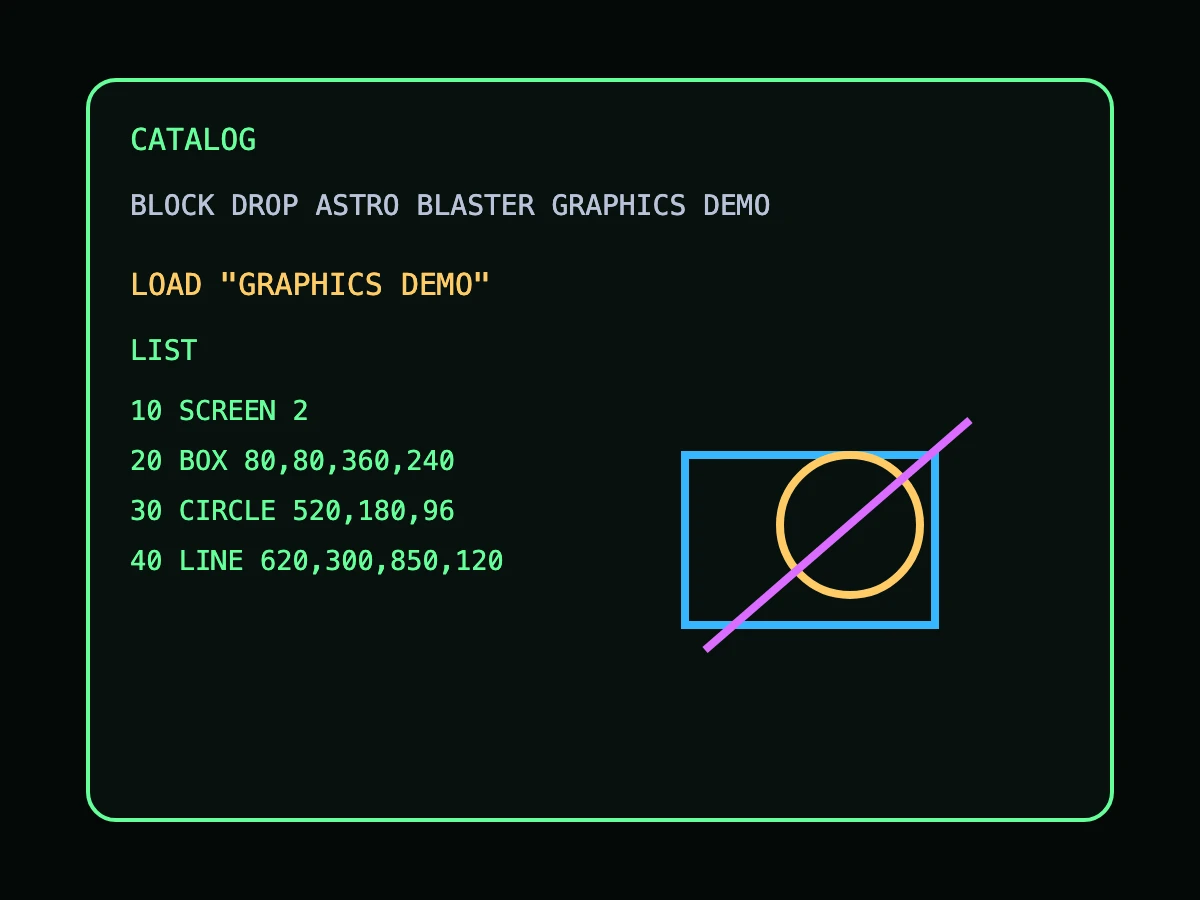
Create line-numbered BASIC programs using familiar commands like LIST, RUN, SAVE, LOAD, NEW, and CATALOG.
Available Now
Type a line. Run it. Change it. Learn by doing.
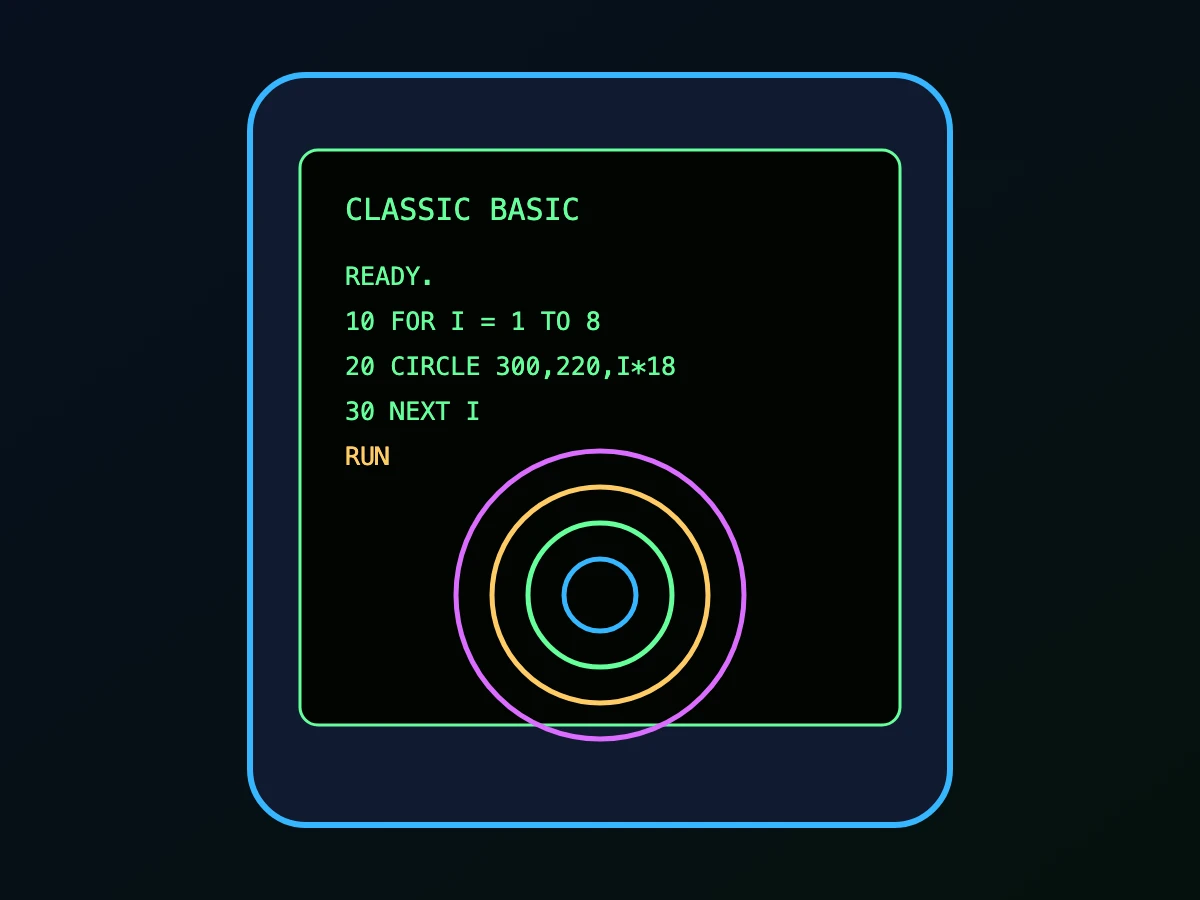
Classic BASIC is a retro-inspired BASIC programming environment designed for modern devices. It gives users a simple place to write line-numbered BASIC programs, run them instantly, save their work, load examples, experiment with graphics, and learn programming through direct interaction.
App Store Facts
Classic BASIC is listed on the App Store as Classic BASIC, with the subtitle Mobile BASIC Interpreter. The App Store page currently shows that the developer does not collect any data from the app.
What You Can Do
Create line-numbered BASIC programs using familiar commands like LIST, RUN, SAVE, LOAD, NEW, and CATALOG.
Draw lines, circles, boxes, and other screen output using classic-style graphics commands.
Try included programs and games such as Block Drop and Astro Blaster.
Switch between Green, Amber, and DOS-style color modes.
Use the built-in guide to explore commands and learn by experimenting.